Petit Path Studio
Free Online Vector Graphics Editor
Draw Bézier paths, combine text and shapes, and design flyers, cards, and banners in your browser. Free with no sign-up or installation.
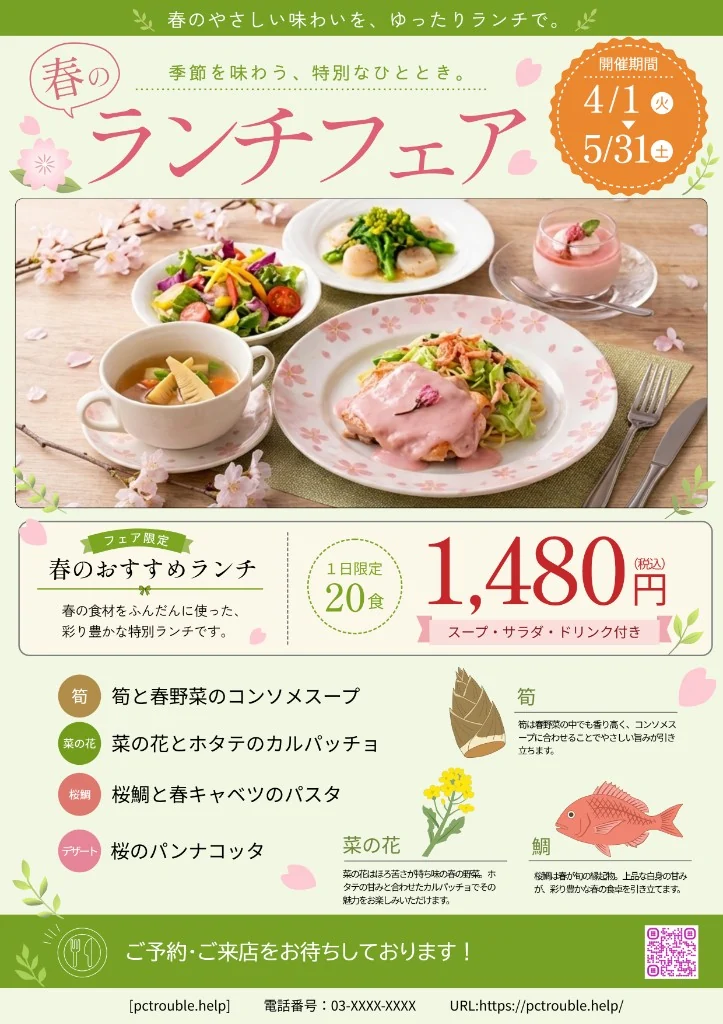
Design with paths, shapes, and text
Vector Path Editing
Draw with the Pen and Brush tools. Use Direct Selection to move anchor points and adjust Bézier handles.
Shapes and Text
Combine geometric shapes with point text, area text, or text on a path.
Layers and Artboards
Organize objects in layers and work on several artboards in a document.
Image Placement and Tracing
Place images, trace them into paths, or import SVG artwork.
Colors and Effects
Adjust fills, strokes, gradients, and opacity in the drawing. Use the Appearance panel to manage effects.
Save and Resume
Save a .ppath project for further editing. Reopen recent files or use browser recovery when enabled.
Start with an editable example
Open a flyer, menu, business card, or channel banner and edit its text, paths, and colors. You can also start with a blank artboard for an illustration, diagram, or logo concept.

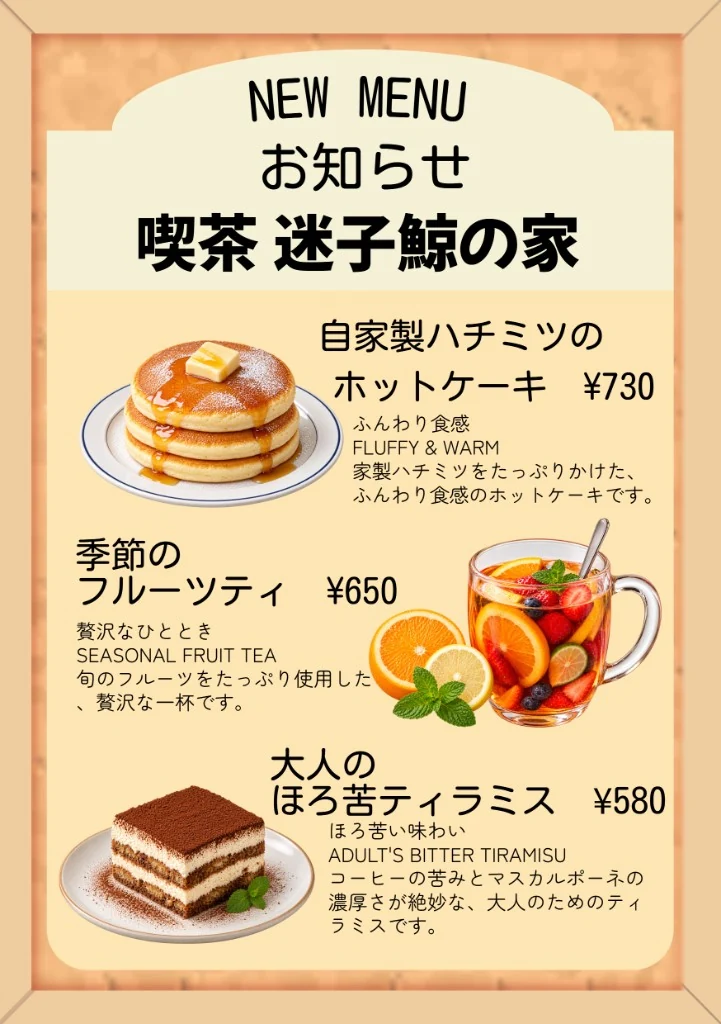
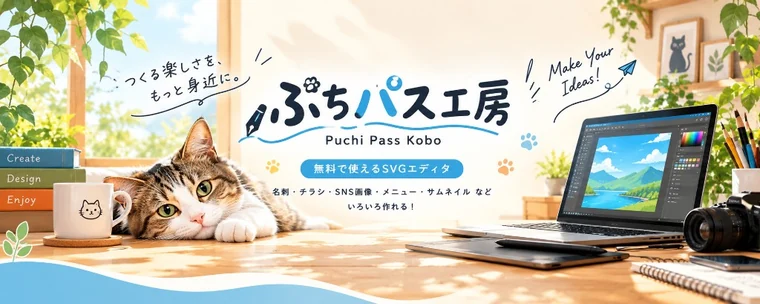
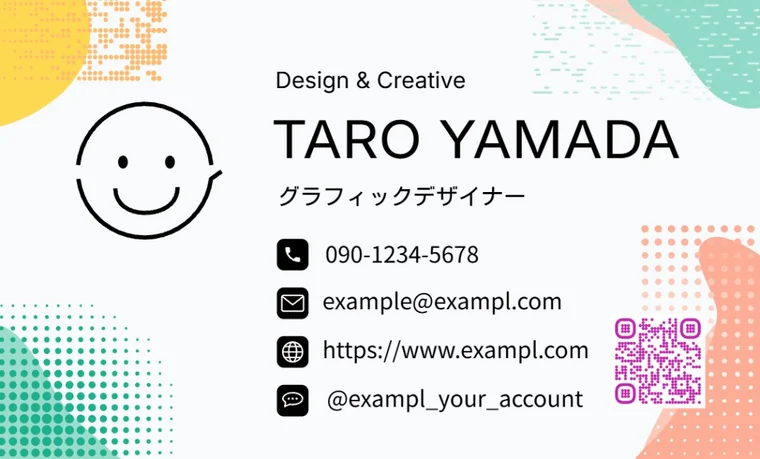
You may use the included samples in personal and commercial work you create with Petit Path Studio. Do not extract the sample assets to redistribute or sell them as templates or asset collections.
How to make and save a design
- Choose a canvas or sample
Pick a paper or banner size, or open an editable copy of a built-in sample.
- Create with paths, shapes, and text
Build the layout with drawing tools and layers. Refine anchor points and handles with Direct Selection.
- Save your project or export
Save a .ppath project to continue editing. Export PNG, SVG, or PDF for sharing or printing.
Project and export formats
- .ppath
- Save an editable project with your layers and objects.
- PNG
- Export a raster image for the web or social media. You can export several sizes at once.
- SVG
- Export vector artwork for compatible editors and websites. Complex effects and imported SVG features can vary by viewer.
- Prepare a file for printing or sharing. Choose image or vector output and review options for text, resolution, bleed, and crop marks.
Frequently asked questions
Is Petit Path Studio free?
Yes. It runs in your browser and requires no installation or sign-up.
Are my project files uploaded?
Your project files are edited, saved, and exported in your browser. The app may download resources such as fonts. Recovery data is stored in your browser when enabled.
Can I edit an SVG online?
Yes. You can import and edit SVG artwork, then export it as SVG or save it as an editable .ppath project. Some SVG effects and features may render differently after import.
Can I use the samples commercially?
Yes, in work you create with Petit Path Studio. The sample assets themselves may not be extracted and redistributed or sold as templates or asset collections.
Which browser should I use?
Use a current version of Chrome or Edge on a desktop or laptop. A large screen is best for detailed path work, and these browsers support saving back to a file with permission.
Can I recover work after closing the browser?
When recovery is enabled, the editor stores a separate browser copy of your work. Save a .ppath file for a permanent copy.