Flipbook Animation Studio Guide
Move Parts
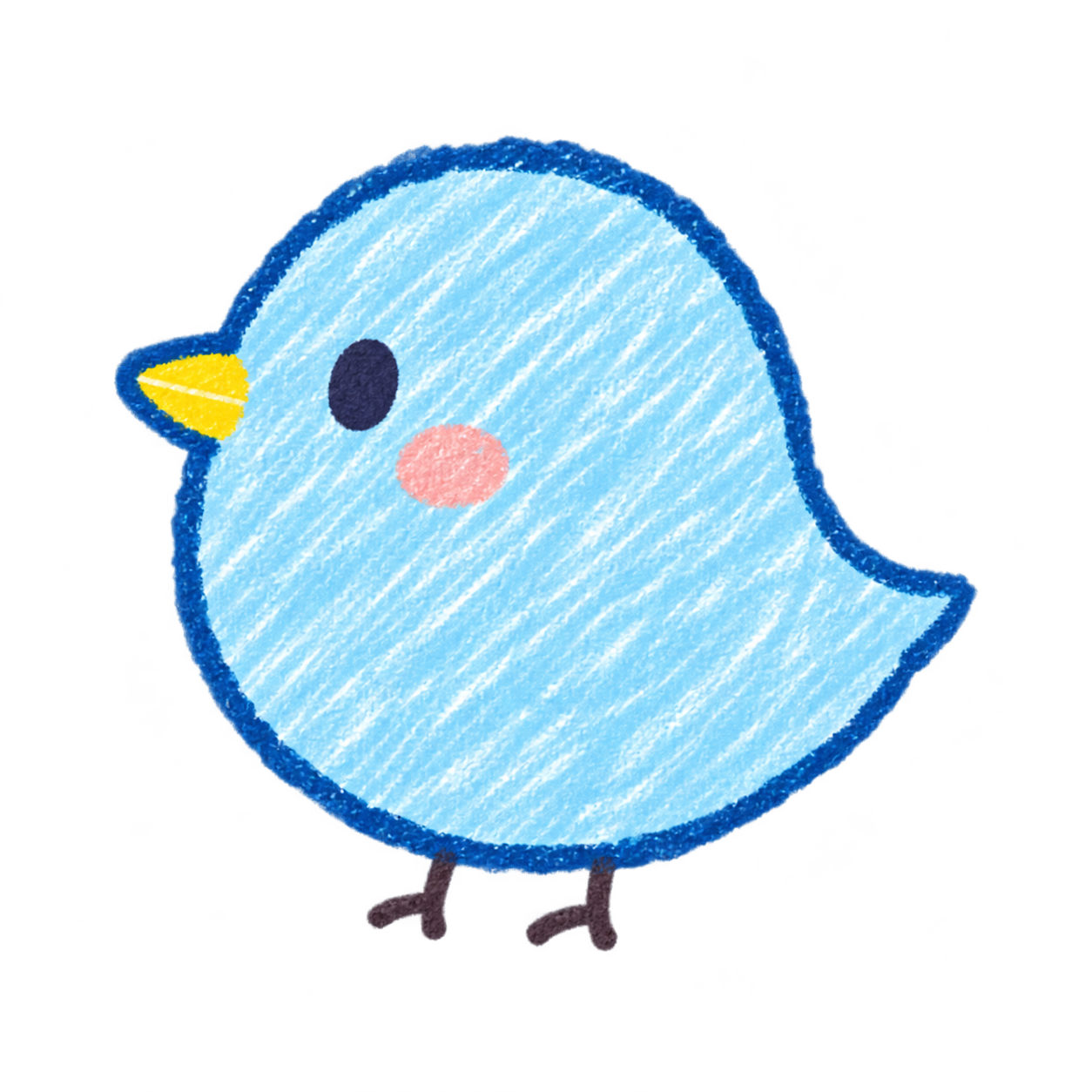
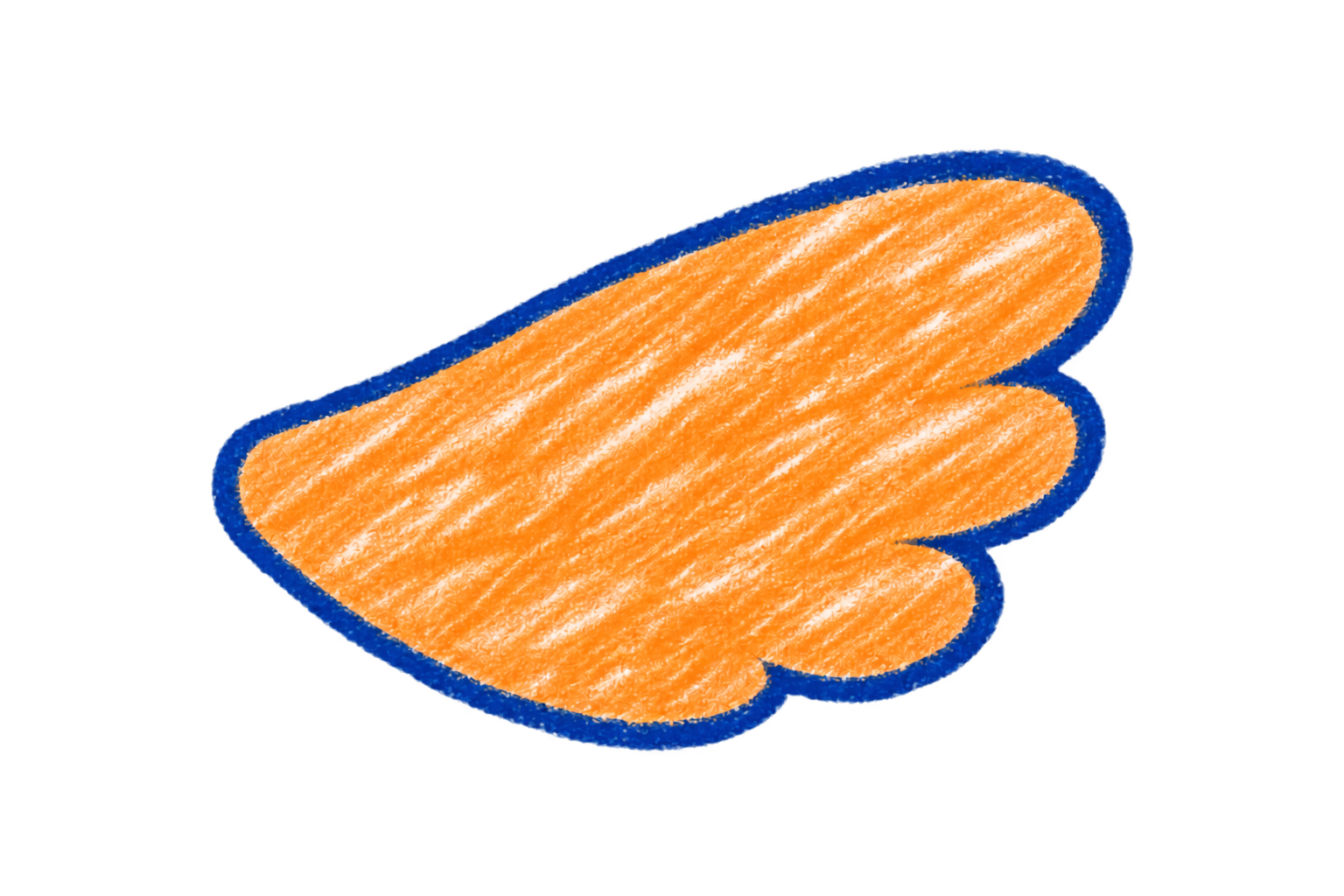
- Draw the body and wing separately. In Move Parts, draw the body at 0 seconds. Use Add Part to draw the wing.
- Put the pivot at the joint. Select the wing, choose Pivot, and click where it joins the body.
- Record the raised wing. With Auto Keyframe on, go to 1 second and rotate the wing. Choose Play to watch it move.
Use Record Pose to keep a pose as it is. In the part settings, use Move Together to make one part follow another.
Draw Frames
- Start with the first pose. Choose Draw Frames. Use Add Frame for a blank frame or Duplicate Frame for a copy.
- Trace the change in pose. Turn on Onion Skin to see nearby frames faintly. Adjust the opacity as you draw. Your export shows only the finished frames.
- Set the pace. Use Frame Duration to adjust how long a drawing stays on screen. Reorder frames or select several to change their duration together, then choose Play.
Edit Images & GIFs
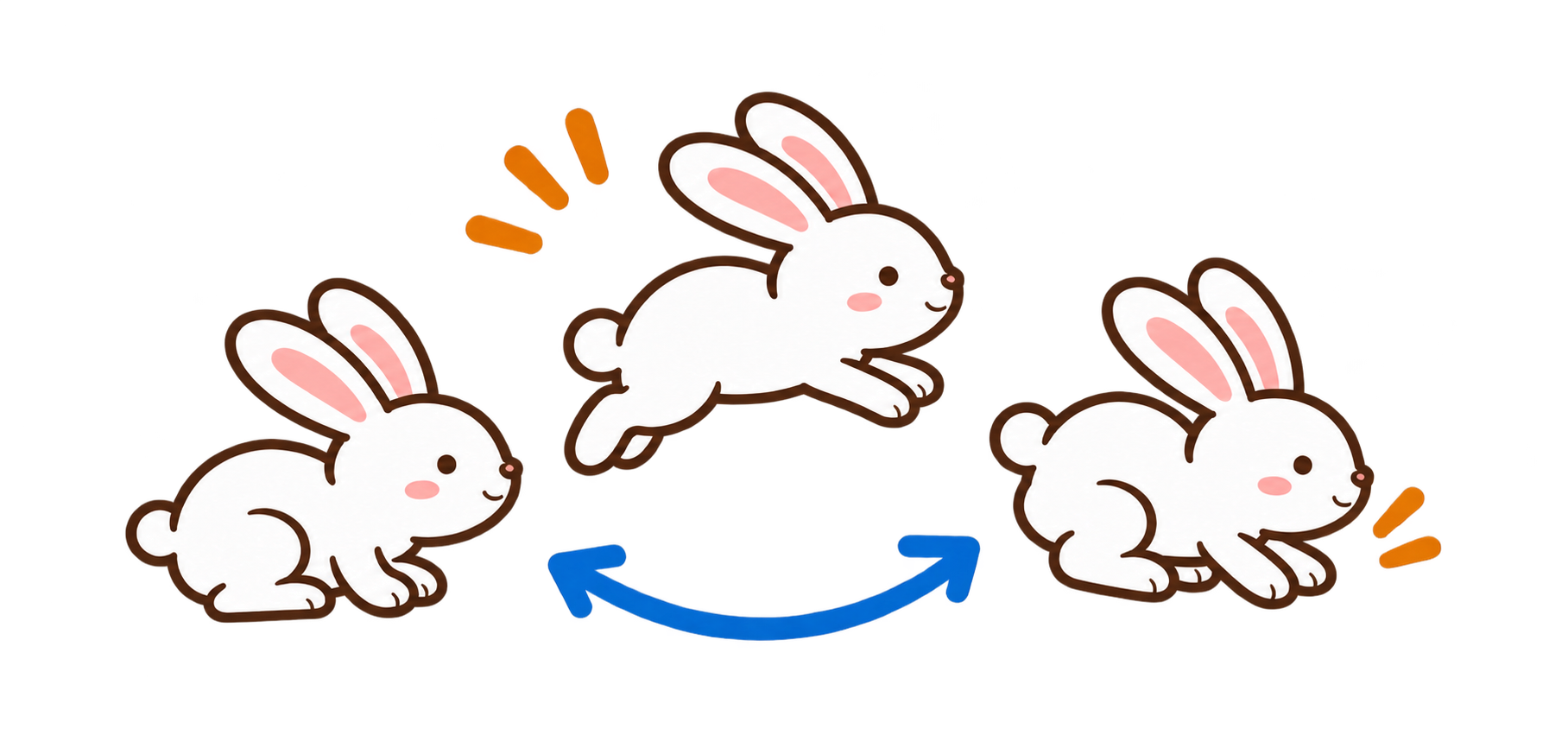
 Rabbit clip
 Turtle clip
- Add your images. Drop them into the Image & Animation Editor or choose Add Images. For GIFs, choose Keep Animation or Split into Frames.
- Put the cards in order. Drag them along the timeline. Set the display time for one card or a selection.
- Choose an effect between cards. Open the transition control between two cards to preview effects and adjust duration or direction. Set the default in Editor Settings.
Add Music
- Choose a sample track or import an MP3.
- Use the waveform in the image editor to select and preview the section you want.
- Set the volume, looping, and fades. Export a supported video format to include the sound.
Save and Open Projects
.ppm2a- Drawing and animation project
.ppm2- Image editor project
Choose Save Project. To resume, return to the same editor and choose Open Project. If the file picker does not appear in drawing mode, try Use Another Way to Open.
Export and Troubleshoot
A short loop or full-color animation with transparency
Video with sound, when supported by your browser

A single still image
- Keep the export tab visible. If you hit a limit, reduce the size or frame rate, or shorten the animation.
- If a file fails to open, check the original in another app and try a smaller file.